NEW

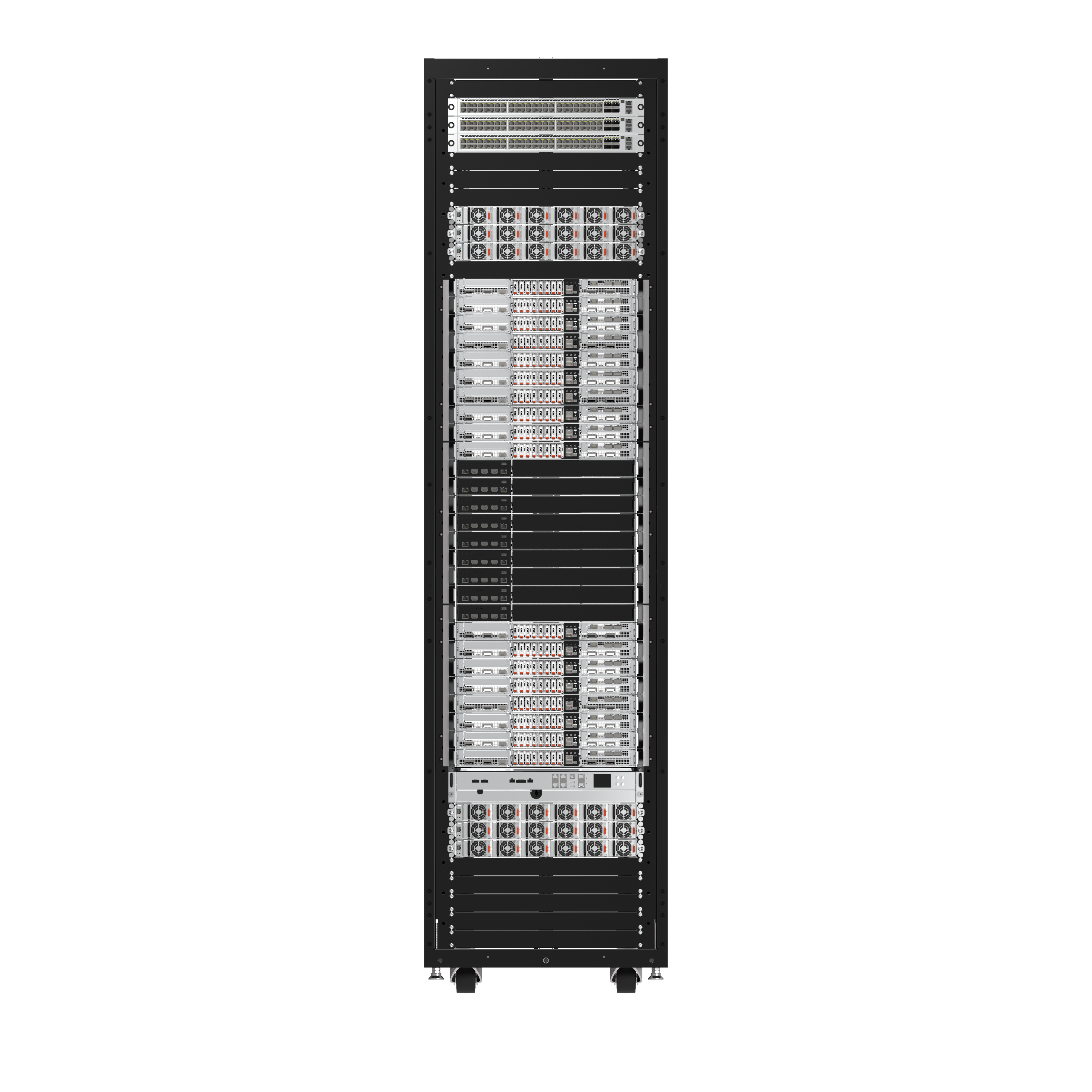
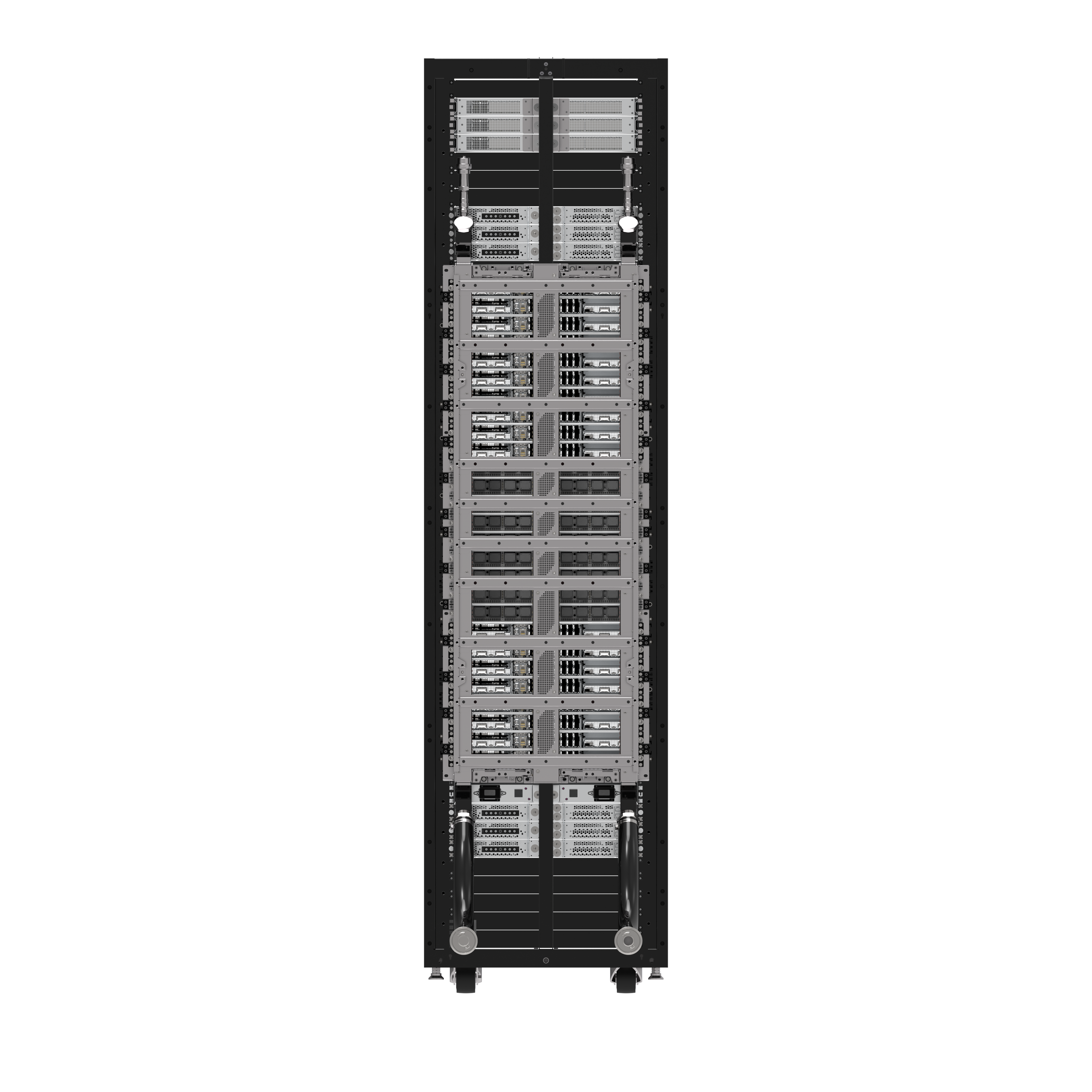
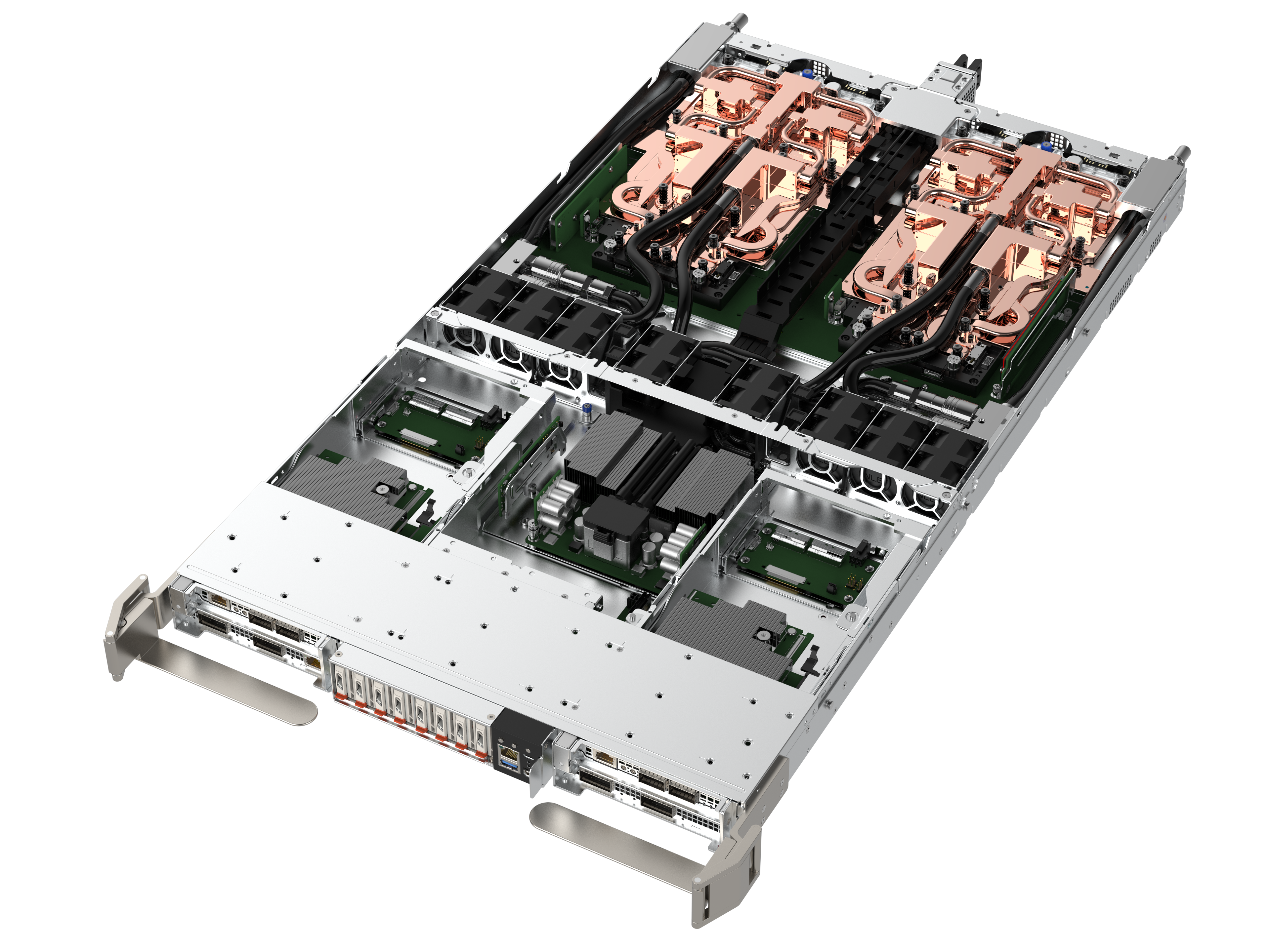
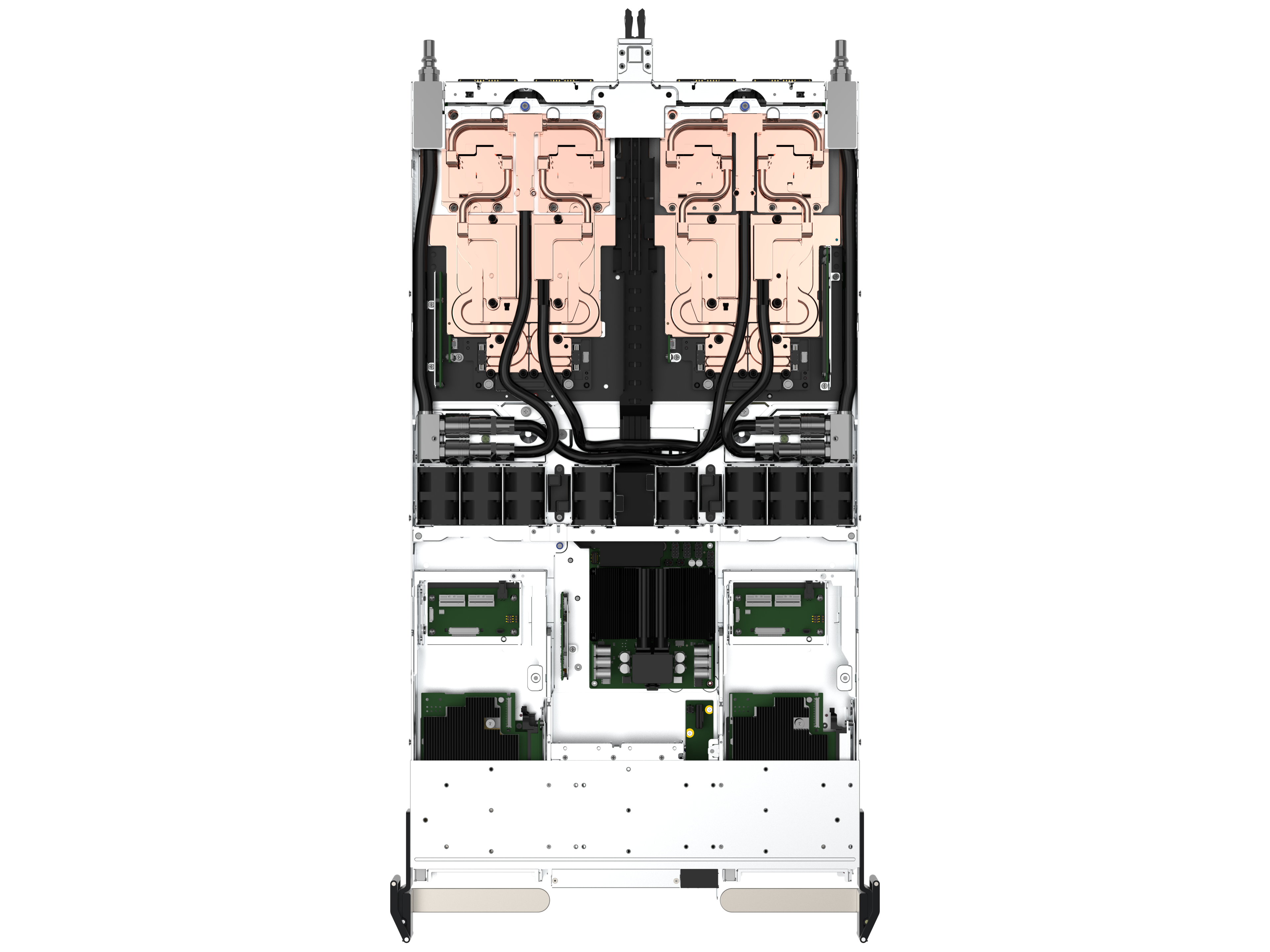
RA4801-72N1
NVIDIA GB200 NVL72, 36 Grace™ CPUs and 72 Blackwell GPUs, NVIDIA NVLink™ Switch Tray, for Real-Time Trillion-Parameter Inference and Training

Key Features
| Form Factor | |
| Form Factor | |
|
Chassis Form Factor 48 RU MGX rack 18 x Compute tray per rack |
|
|
Chassis Dimension (mm) 1RU MGX chassis: 438(W) x 43.6(H) x 766 (D) Rack: 600(W) x 2296(H) x 1200(D) |
|
| Processor | |
| Processor | |
|
Number of Processors 2 |
|
|
Processor Type NVIDIA Grace™ Arm® Neoverse V2 CPUs (72-core) |
|
|
Max. TDP Support 300W |
|
| GPU | |
| 4 x NVIDIA Blackwell Tensor Core GPUs, 1200W TDP | |
| GPU | 4 x NVIDIA Blackwell Tensor Core GPUs, 1200W TDP |
| Memory | |
| Memory | |
|
Total Slots Onboard memory |
|
|
Memory Type Per tray: CPU: 2 x 480GB LPDDR5X GPU: 4 x 186GB HBM3e |
|
| Storage Bays | |
| Per tray: 8 x E1.S NVMe | |
| Storage Bays | Per tray: 8 x E1.S NVMe |
| Onboard Storage | |
| 1 x M.2 2280/22110 NVMe | |
| Onboard Storage | 1 x M.2 2280/22110 NVMe |
| Management | |
| Aspeed® AST2600 | |
| Management | Aspeed® AST2600 |
| Security | |
| TPM 2.0 | |
| Security | TPM 2.0 |
| Networking Interface | |
|
Per tray: 4 x NVIDIA NVLink™ Switch 2 x NVIDIA ConnectX®-7 NICs (dual-port 400Gb/s) 2 x NVIDIA BlueField®-3 DPUs (400Gb/s) |
|
| Networking Interface |
Per tray: 4 x NVIDIA NVLink™ Switch 2 x NVIDIA ConnectX®-7 NICs (dual-port 400Gb/s) 2 x NVIDIA BlueField®-3 DPUs (400Gb/s) |
| Front I/O Ports | |
| 1 x I/O module | |
| Front I/O Ports | 1 x I/O module |
| Power Supply | |
|
Power Shelf 6 x 1U 33kW (6x 5.5kW PSUs) |
|
| Power Supply |
Power Shelf 6 x 1U 33kW (6x 5.5kW PSUs) |
| Fans | |
| 8 x 4056 Fans | |
| Fans | 8 x 4056 Fans |
| Operating Environment | |
|
Ambient operating temperature range: 5°C to +35 °C Ambient Non-operating temperature: -40°C to +68 °C Operating relative humidity: 10% to 90% (noncondensing) Non-operating relative humidity: up to 93% (noncondensing) |
|
| Operating Environment |
Ambient operating temperature range: 5°C to +35 °C Ambient Non-operating temperature: -40°C to +68 °C Operating relative humidity: 10% to 90% (noncondensing) Non-operating relative humidity: up to 93% (noncondensing) |
Manuals & Documents
Drivers & Downloads
Important Notice: Only perform BIOS/firmware updates when experiencing firmware-related issues. Improper firmware flashing may result in permanent system damage. Our company assumes no responsibility for any direct, indirect, special, incidental, or consequential damages resulting from firmware update procedures.
OR
Important Notice: Only perform BIOS/firmware updates when experiencing firmware-related issues. Improper firmware flashing may result in permanent system damage. Our company assumes no responsibility for any direct, indirect, special, incidental, or consequential damages resulting from firmware update procedures.